Magneto Disassembly
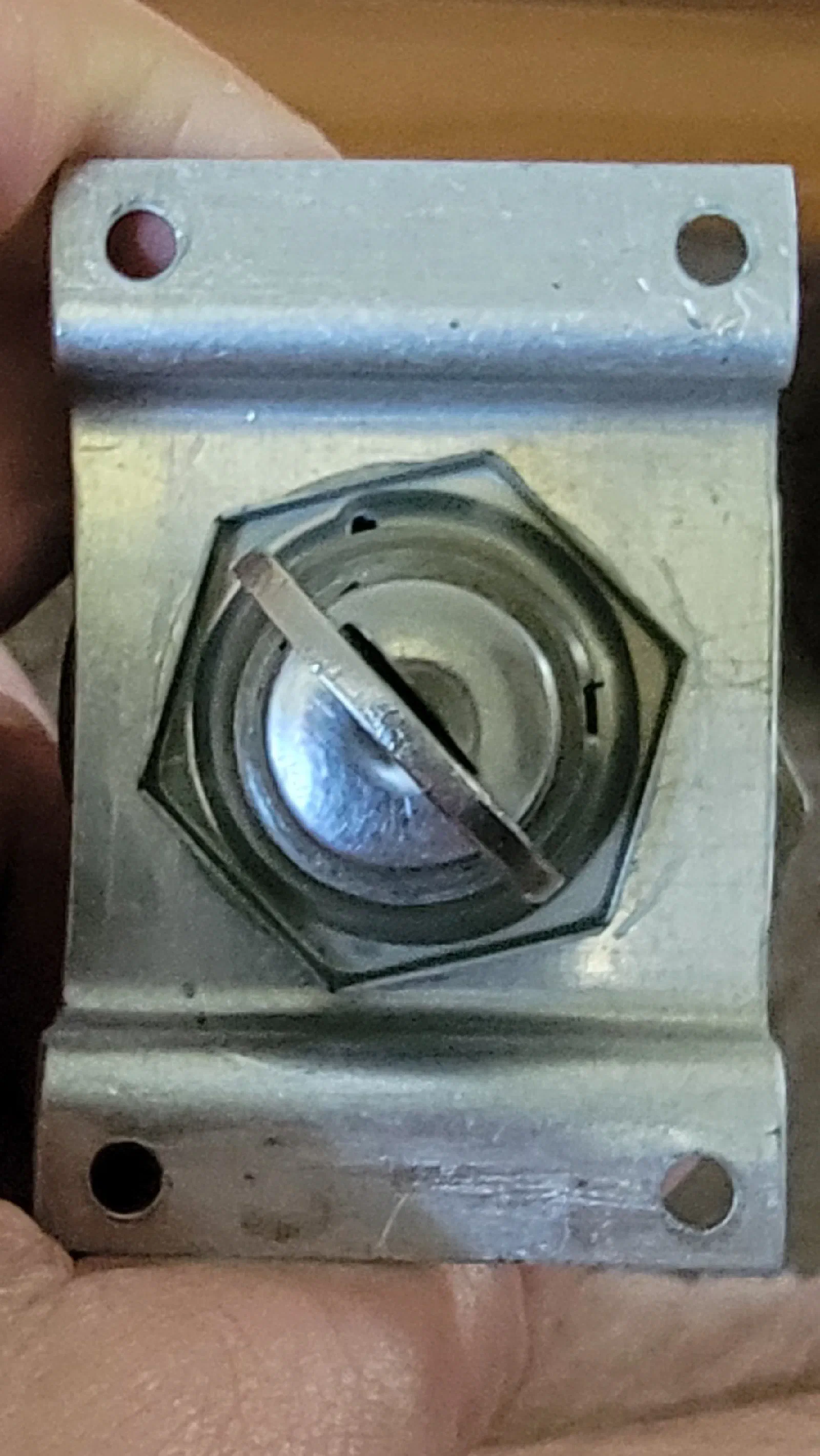
Disassembling an Aircraft Magneto Switch: Studying the Real Mechanism
Flight Simulator Project Journal — Engineering Build Log
Build Log Entry: September 2026 Project: Cessna 172 Flight Simulator Controls Focus: Aircraft Magneto Switch Mechanical Investigation
Why Take Apart a Real Magneto Switch?
One of the goals of this simulator project is to reproduce more than the appearance of a Cessna 172 cockpit. The controls should also feel familiar to someone who has spent time in an actual aircraft.
Throttle Propeller Mixture & Trim
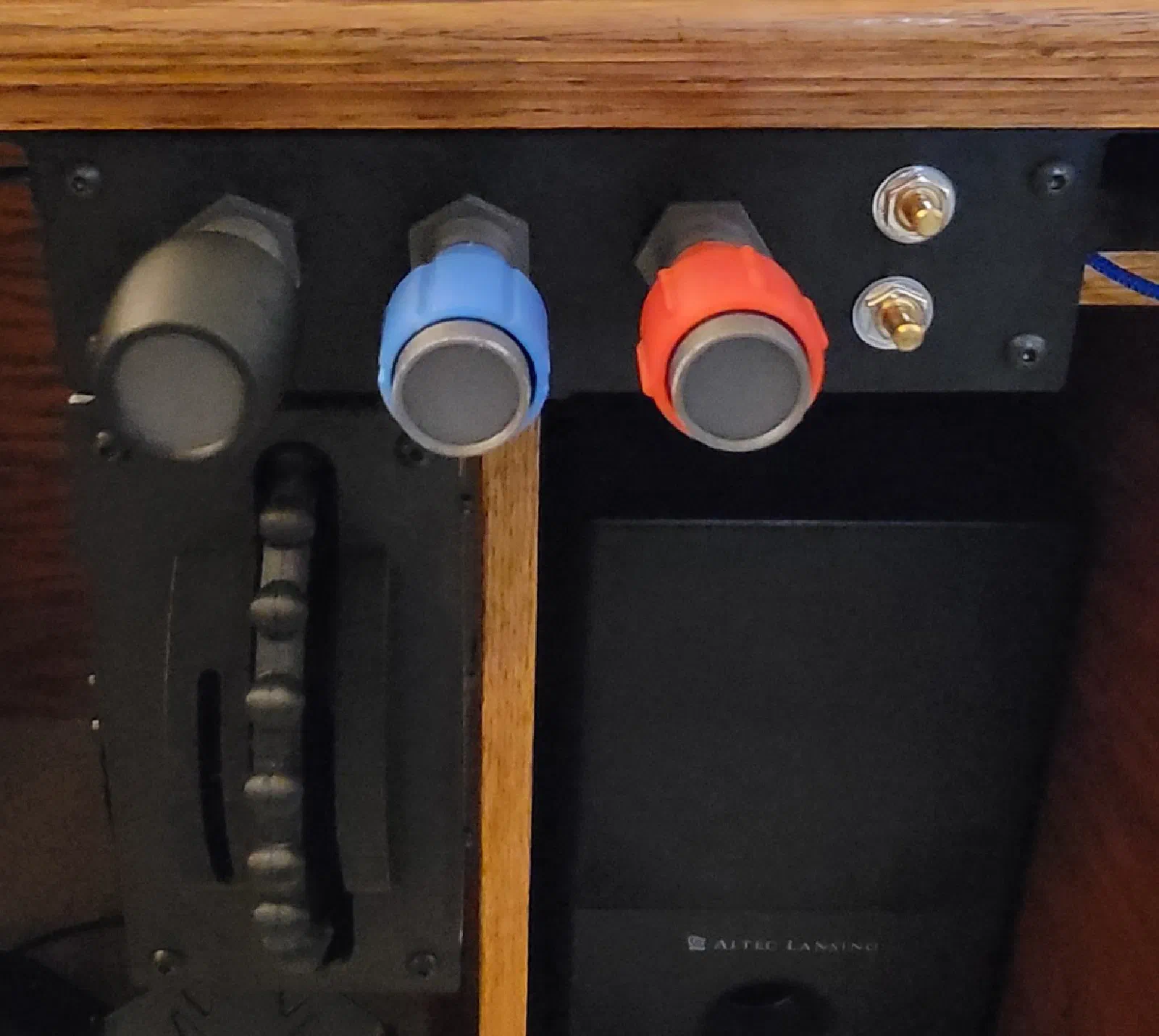
Building the Throttle, Prop, Mixture (TPM) / Trim Controller
Extending the Switch Box Firmware with Analog Inputs and Magnetic Position Sensing
Project: Cessna 172 Flight Simulator Build Stage: Initial TPM / Trim Controller Prototype Hardware: ATmega32U4, AS5134 magnetic encoder Firmware: Extension of the Switch Box codebase Date: September 2026
Project Journal
With the switch box prototype established, the next piece of cockpit hardware was the Throttle, Prop, Mixture (TPM) / Trim Controller.
GNS 530 BreadBoard
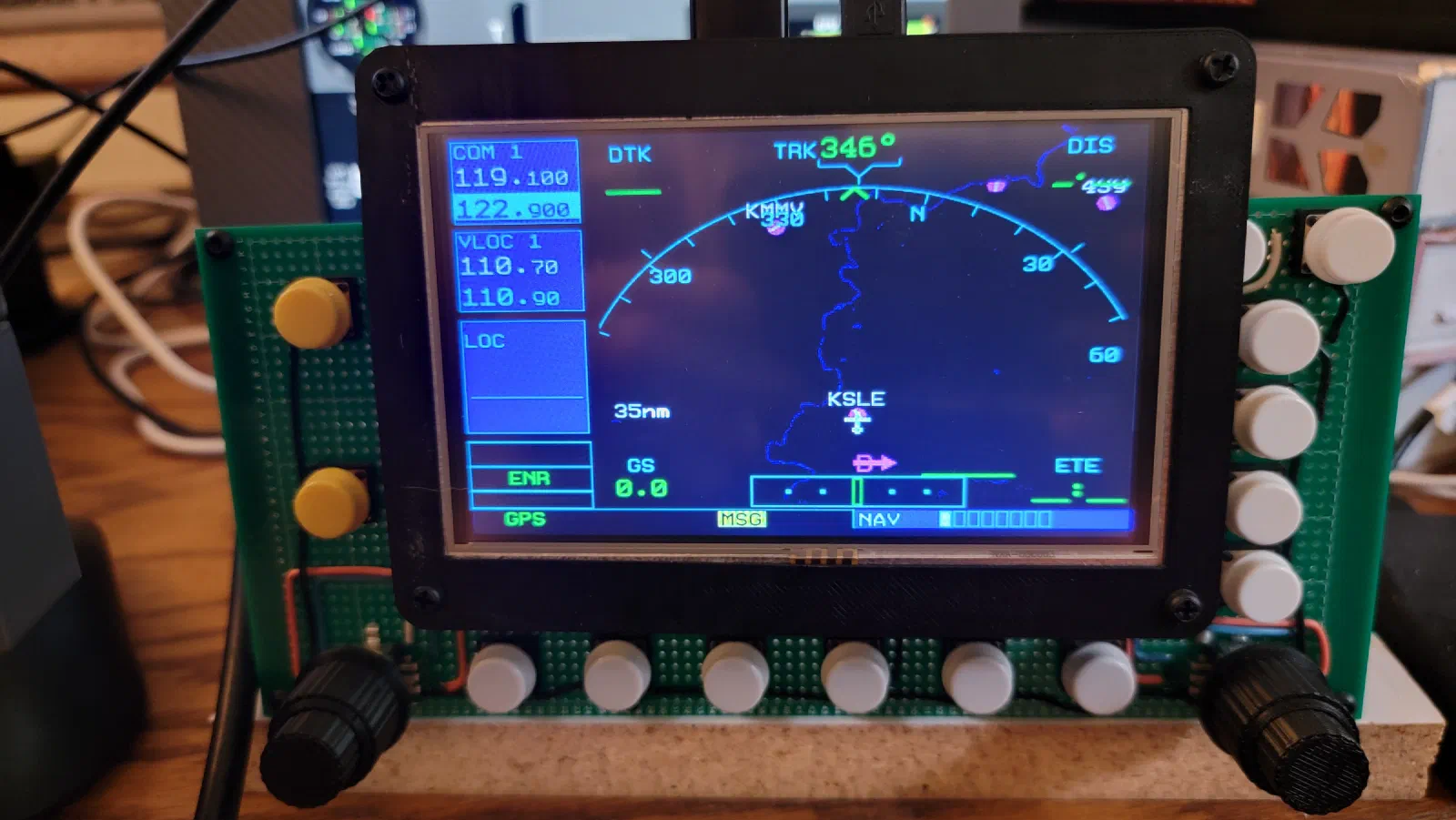
GNS 530 Prototype: First Steps on the Breadboard
Project: Cessna 172 Flight Simulator Component: Garmin GNS 530 Prototype: Mega 2560 Pro Mini + Air Manager Stage: Initial Electronics Prototype
Project Journal
The next step in building the simulator was moving beyond the physical panel and starting to experiment with the electronics behind the controls.
For this stage, I wanted to build an initial prototype of the Garmin GNS 530 using a Mega 2560 Pro Mini and Air Manager.
Making the G5 Panel
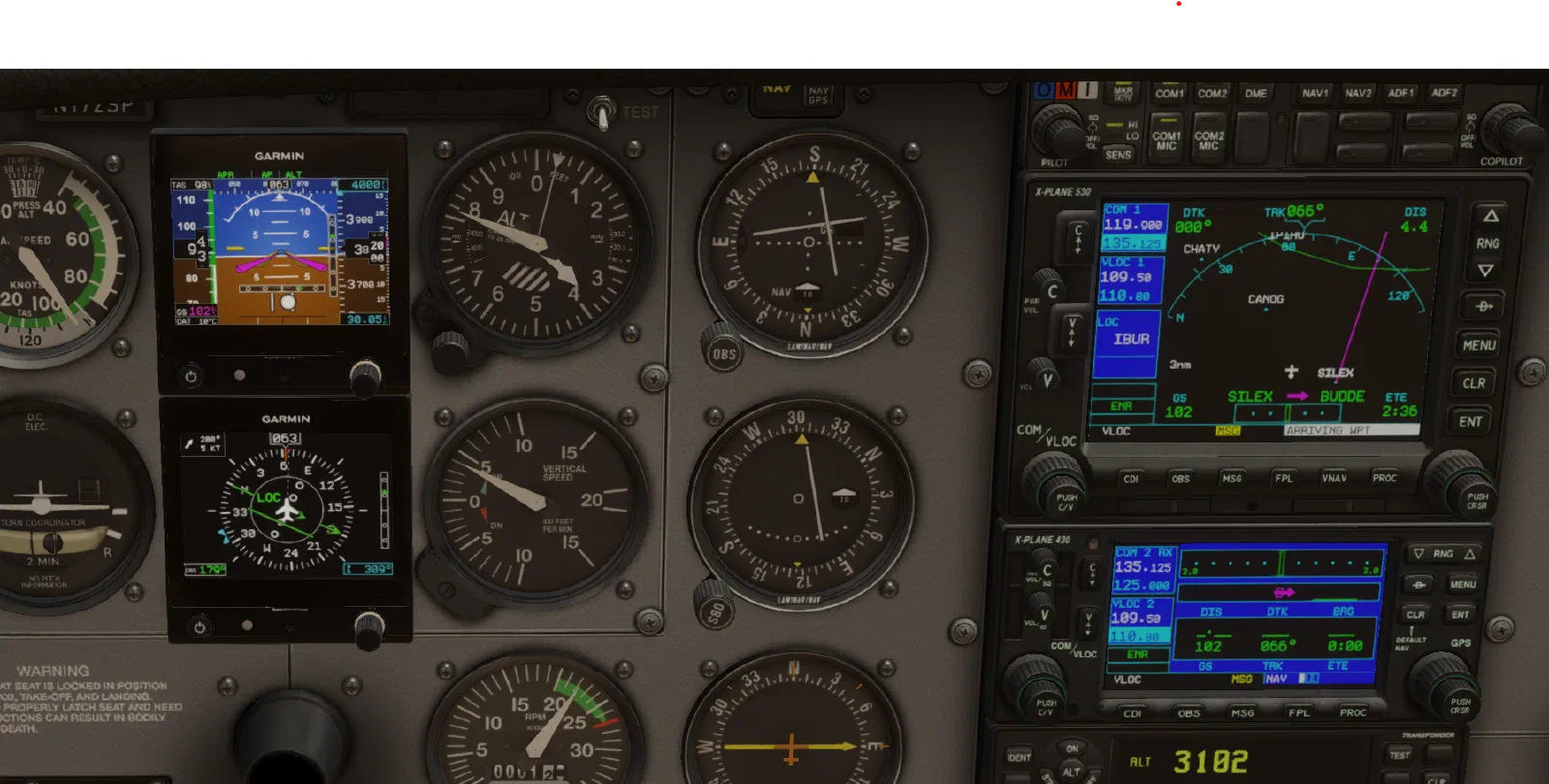
1st Iteration of the G5 Panel.
C172 Panel Update: Dual G5s, Overlay Refinement, and Wiring
Project Journal — Febuary 2026 Project: Cessna 172 Flight Simulator Iteration: Main Panel Prototype Update
The first version of the panel was built to answer a fairly simple question: could I use a monitor, Air Manager, and a physical overlay to create a convincing Cessna 172 instrument panel?
The answer was yes.
Once that prototype was assembled, though, a few things became apparent. The six-pack layout was useful for proving the concept, but it didn’t represent the type of modernized training aircraft panel I wanted to build. The physical overlay also needed refinement, and the wiring behind the panel needed to be rearranged so everything would fit properly over the monitor.
The 6-Pack Panel
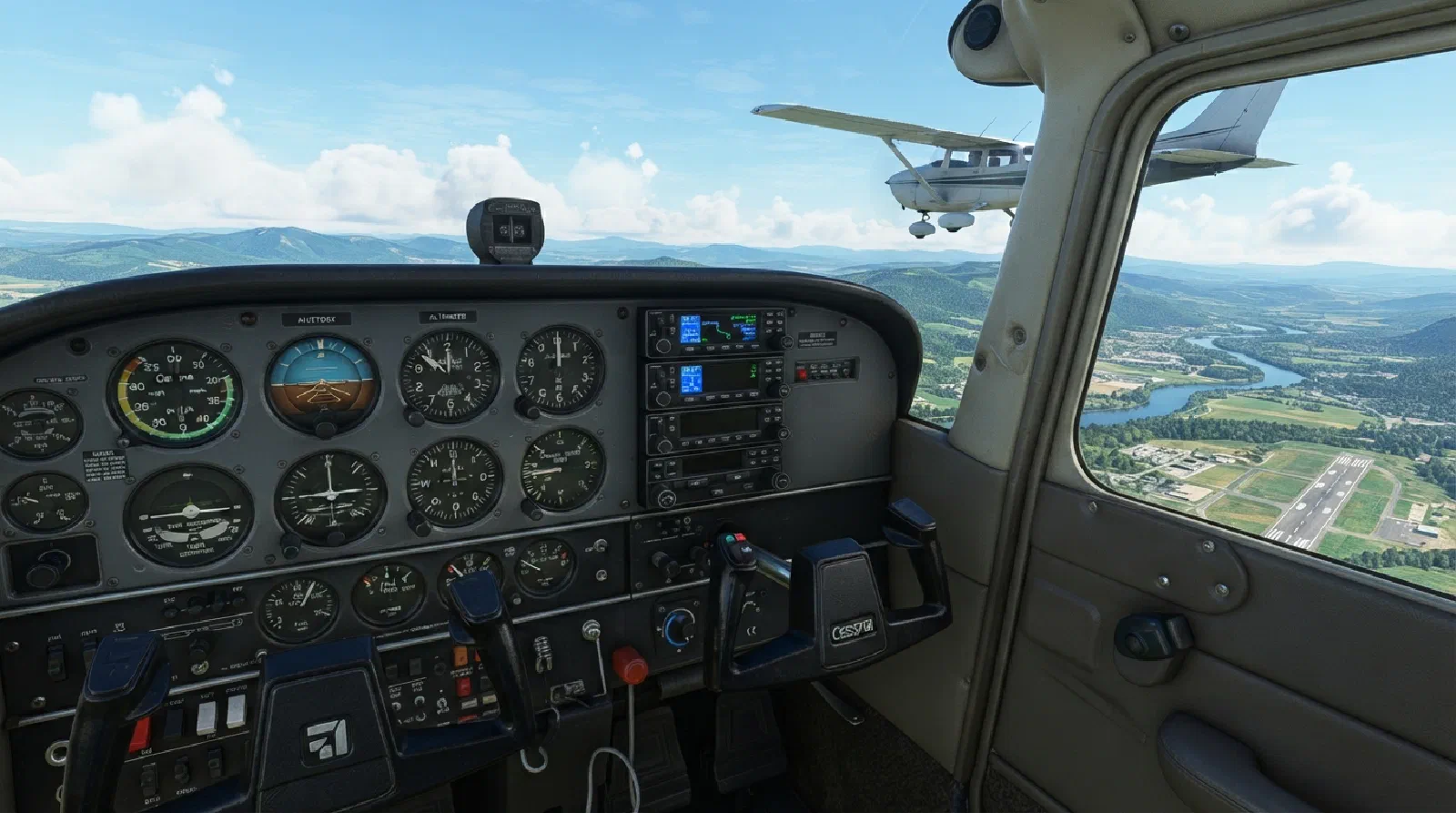
Cessna 172 Six-Pack: Building a Physical Panel Overlay
As part of my Cessna 172 flight simulator project, I wanted to start with something relatively contained: recreating the C172 instrument panel around a physical overlay.
The idea sounds straightforward. Put the instruments on a monitor, build a panel around them, and add the physical controls needed to interact with them.
In practice, the display isn’t the difficult part.
The difficult part is figuring out how to turn a flat computer monitor into something that actually feels like an instrument panel.
Switch Panel Initial Prototype
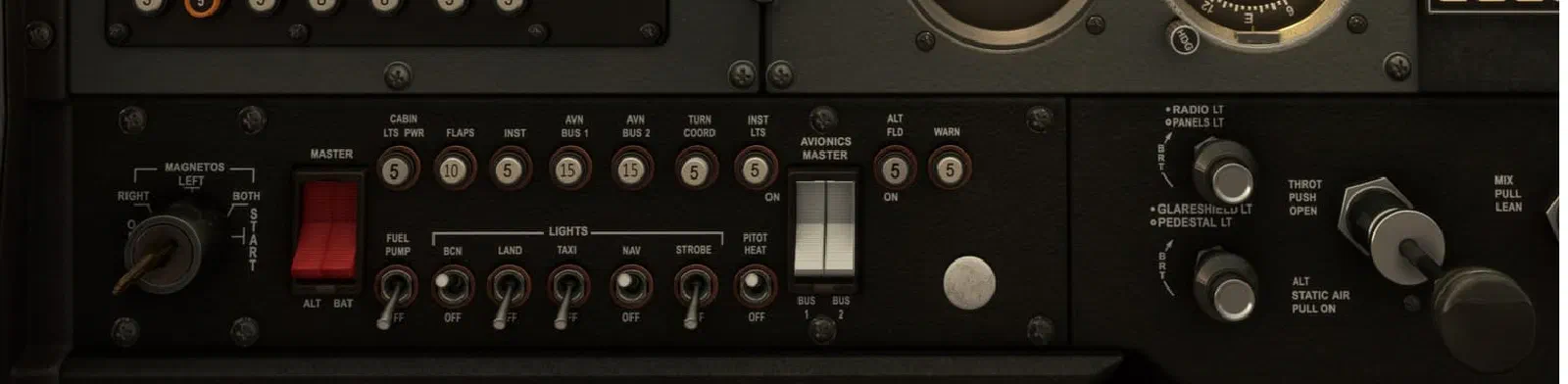
Building a Cessna 172 Switch Panel
One of the first things I wanted to tackle in building my custom Cessna 172 simulator was the switch panel.
At first, this might seem like a relatively simple part of the project. There are plenty of simulator switch panels available, and electrically, most of the controls are not particularly complicated. But I wasn’t just looking for a collection of switches that could send commands to X-Plane.
The C172 Project Overview

Building the Flight Simulator:
Scope, Goals, & Project Roadmap
I’ve wanted to build a flight simulator for a while, but I don’t want this to be a project where I spend years building a cockpit before I can actually use it.
The goal is to approach the simulator as an engineering project that happens to be a flight simulator.
It will combine embedded software, electronics, PCB design, computer software, aviation, and flight simulation into one larger project. At the same time, it should be useful as a simulator from the very beginning.